Most “AI product photo prompt” lists read like poetry contests. Pretty words, weak SKUs. I needed prompts that survive a real catalog job: clean edges, readable labels, consistent lighting, and variants I can ship to ads the same afternoon.
I ran these Nano Banana 2 prompts through ecommerce-style tests on NanoBananaTool — white-background packs, lifestyle sets, try-on, product-in-hand, and paid-social crops. Below are 50 copy-paste prompts grouped by job, plus the failure modes I hit and how I fixed them.
In this article
- How to use these Nano Banana 2 prompts
- TL;DR: which pack to start with
- White background catalog (10)
- Lifestyle / on-model (10)
- Product-in-hand / virtual try-on (10)
- Ad creatives and variants (10)
- Detail, packaging, and text-on-product (10)
- Common failures and fixes
- Try it in NanoBananaTool
- FAQ
How to use these Nano Banana 2 prompts
- Open Generate or Banana Prompts.
- Upload your product reference (and a model/scene reference when the prompt says
image 1/image 2). - Paste the prompt as written, then change only the bracketed parts:
{product},{color},{brand vibe}. - Generate 2–3 variants. Keep the one with the cleanest silhouette and label readability.
- If identity drifts, re-upload a sharper reference and shorten the scene description.
Rule of thumb: let the reference carry what the product is. Spend the prompt on scene, camera, and commerce constraints.
TL;DR: which pack to start with
| If you need… | Start with | Why |
|---|---|---|
| Amazon / Shopify main image | White background catalog | Clean cutouts, policy-friendly |
| PDP lifestyle gallery | Lifestyle / on-model | Context without losing the SKU |
| Apparel / beauty ads | Product-in-hand / try-on | Outfit and hold shots convert |
| Meta / TikTok creatives | Ad creatives and variants | Hooks and crop-safe compositions |
| Zoom / material trust | Detail & packaging | Texture and label clarity |
Generate ecommerce shots in your browser
Upload one SKU photo, paste a prompt from this list, and export catalog-ready variants.
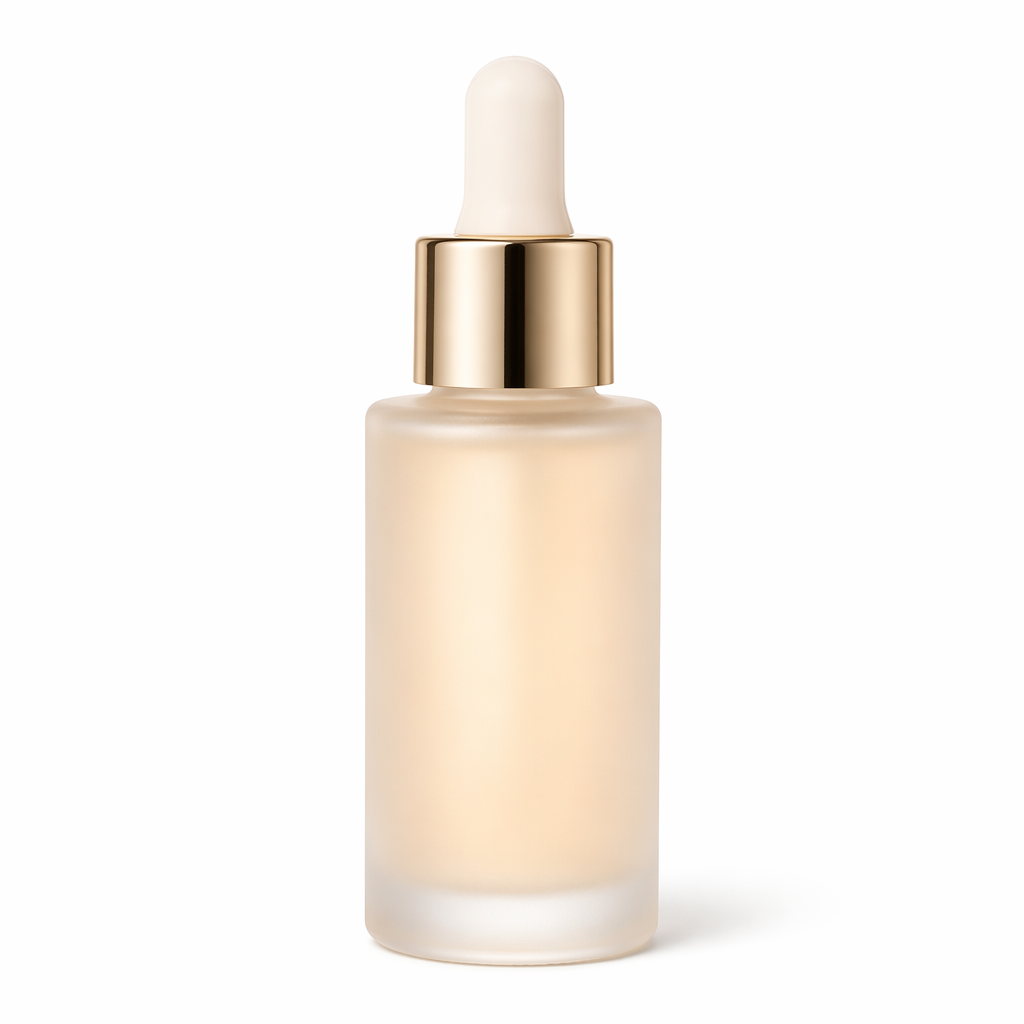
White background catalog (10)
Use a single clear product photo as reference. Keep props minimal.
-
Clean hero
Studio product photo of {product} from image 1, centered on pure white background (#FFFFFF), softbox lighting, sharp edges, no props, no shadows under the product that look dirty, ecommerce catalog style, high detail -
Slight shadow (premium feel)
Ecommerce packshot of {product} from image 1 on pure white background, soft natural contact shadow only, centered, 85mm product photography look, crisp materials, no text overlays -
45° three-quarter
Three-quarter angle product shot of {product} from image 1, white seamless background, even studio light, preserve exact logo and proportions, Amazon main image style -
Top-down flat lay
Top-down flat lay of {product} from image 1 on white background, centered composition, soft daylight, no clutter, catalog photography -
Pair / set layout
Product set photo of items from image 1 arranged neatly on white background, consistent scale, soft studio lighting, ecommerce bundle listing style -
Size reference (subtle)
Catalog photo of {product} from image 1 on white background with a thin scale ruler beside it, clean studio light, no brand watermark, factual product photography -
Colorway grid
Same {product} from image 1 shown as a clean colorway lineup on white background, identical angle and lighting for each color, ecommerce variant sheet -
Matte vs glossy callout
Studio shot of {product} from image 1 on white background emphasizing {matte/glossy} finish, accurate reflections, no extra props -
Accessories included
White background packshot of {product} from image 1 with included accessories laid out neatly below, consistent lighting, Amazon secondary image style -
Boxed + unboxed
Split-friendly composition: {product} from image 1 unboxed beside its retail packaging on white background, aligned baseline, soft studio light, listing image set
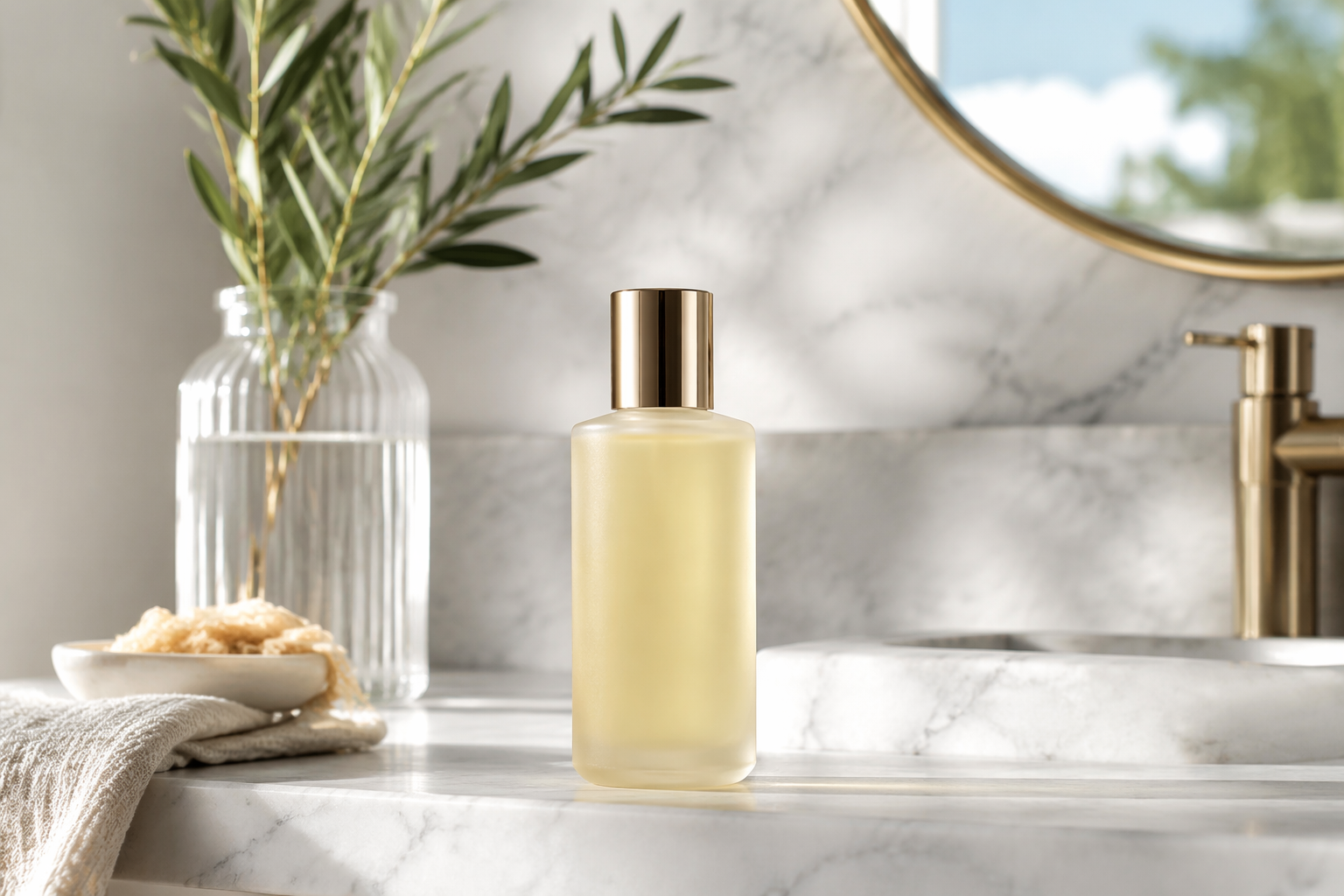
Lifestyle / on-model (10)
Keep the product as the visual anchor. Avoid busy kitchens that swallow the SKU.
-
Minimal desk lifestyle
Lifestyle photo of {product} from image 1 on a clean oak desk near a laptop, soft morning window light, shallow depth of field, product sharp and dominant, ecommerce lifestyle -
Bathroom shelf
Product lifestyle shot of {product} from image 1 on a marble bathroom shelf, bright clean light, spa mood, keep label readable, premium DTC look -
Kitchen counter
Lifestyle product photo of {product} from image 1 on a white kitchen counter, natural daylight, uncluttered, food-safe clean aesthetic, SKU clearly visible -
Outdoor casual
On-location lifestyle of {product} from image 1 outdoors in soft shade, candid but product-focused, no heavy motion blur, social ecommerce style -
Home office creator setup
Creator desk lifestyle featuring {product} from image 1, soft LED key light, tidy cables, product as hero, YouTube thumbnail-safe composition -
Travel flat lay
Travel flat lay with {product} from image 1, passport and linen fabric as secondary props, soft daylight, airy brand look, product still largest subject -
Gym bag context
Lifestyle shot of {product} from image 1 next to a gym bag on a wooden bench, natural light, athletic brand vibe, clean and sharp -
Coffee table editorial
Editorial lifestyle of {product} from image 1 on a coffee table with one magazine and a ceramic mug, muted tones, product in focus, boutique ecommerce -
Kids / family-safe scene
Bright lifestyle photo of {product} from image 1 in a tidy living room corner, soft daylight, friendly and safe mood, product clearly recognizable -
Seasonal without kitsch
Seasonal lifestyle of {product} from image 1 with subtle {spring florals / autumn leaves / winter knit}, restrained props, product remains the hero, ad-ready
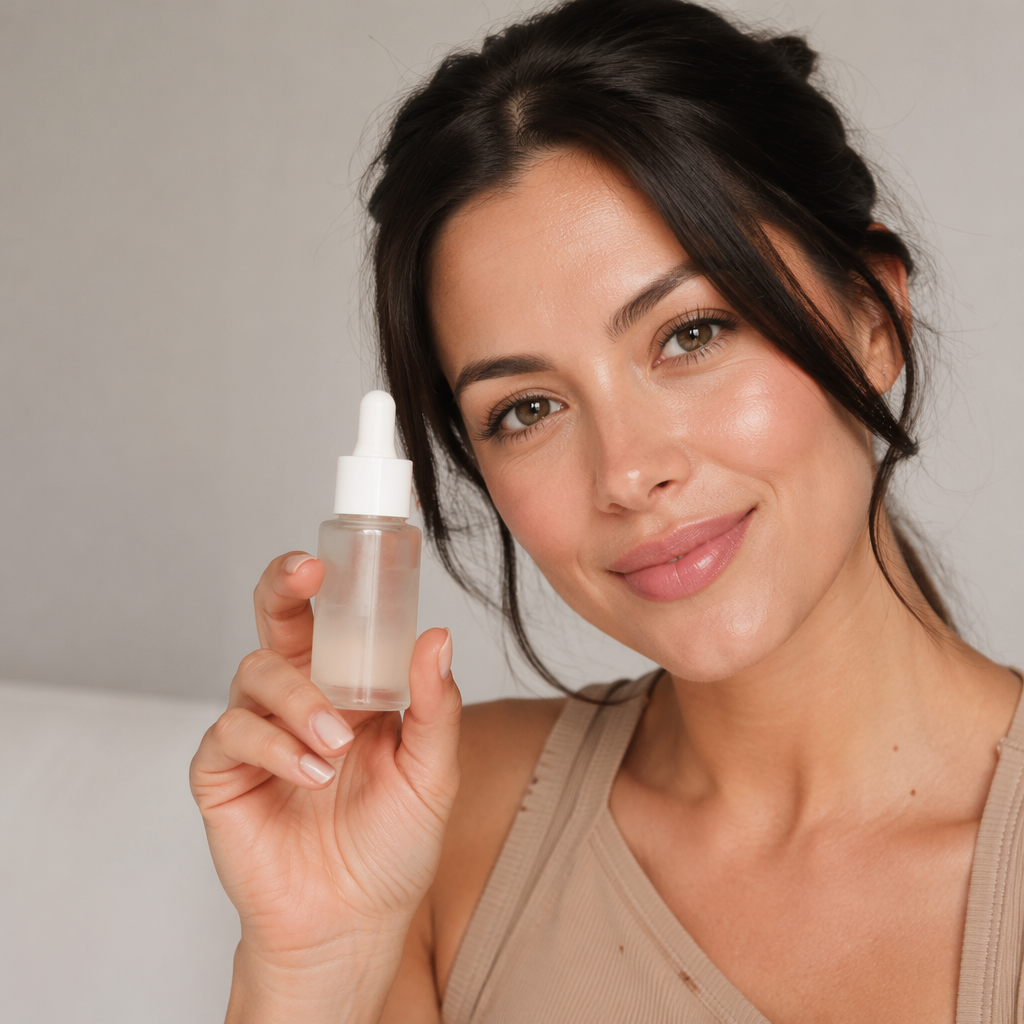
Product-in-hand / virtual try-on (10)
Upload model as image 1, product/outfit as image 2 when the prompt asks for two images.
-
Classic product-in-hand
Place the product from image 2 into the hand of the person in image 1, natural grip, match lighting and skin tones, realistic contact shadows, ecommerce hand model shot -
Holding to camera
Person in image 1 holds {product} from image 2 toward camera, sharp product detail, soft beauty light, UGC ad style, no watermark -
Apparel try-on
Put the outfit from image 2 onto the person in image 1, preserve face and body identity from image 1, realistic fabric drape and wrinkles, matching lighting, virtual try-on -
Jacket over outfit
Dress the person in image 1 with the jacket from image 2 over their current clothes, keep identity consistent, natural layering, street-style ecommerce -
Shoes on feet
Place the shoes from image 2 onto the person in image 1, correct perspective and foot orientation, realistic contact with ground, catalog try-on -
Sunglasses fit
Put the sunglasses from image 2 on the person in image 1, correct scale on face, realistic reflections, beauty ecommerce selfie style -
Bag / jewelry close
Place the bag from image 2 on the shoulder of the person in image 1, match lighting, elegant pose, product logo readable if present -
Beauty product in hand
Beauty hand model holding {product} from image 2 near face of person in image 1 without covering features, soft glam light, skincare ad style -
Before → after outfit
Same person as image 1 wearing outfit from image 2, side-by-side friendly composition energy (single frame), clear makeover, ecommerce transformation vibe -
Group color try-on
Keep the same person identity from image 1 and show them wearing the {color} variant of the outfit from image 2, consistent face and body, lookbook style
Ad creatives and variants (10)
Designed for paid social crops. Leave safe margin around the product.
-
Hook-first square
Bold ecommerce ad still of {product} from image 1, centered, high contrast, clean background {color}, square 1:1 composition, space for headline on top third, no embedded text -
Problem → product
Ad creative showing messy {problem scene} softly blurred behind sharp {product} from image 1 in foreground, clear focal hierarchy, Meta ads style -
UGC bathroom mirror
UGC-style mirror selfie vibe featuring {product} from image 1, natural phone photo aesthetic, slight imperfection OK, authentic creator ad -
Unboxing moment
Hands opening packaging of {product} from image 1, excited reveal energy, bright desk light, TikTok unboxing thumbnail composition -
Benefit callout scene
Product hero of {product} from image 1 with simple supporting visual metaphor for {benefit}, clean negative space, performance creative -
Comparison dual
Split composition: dull old solution on left, {product} from image 1 on right looking premium, matched lighting, ecommerce comparison ad (no text) -
Lifestyle + price-card space
Lifestyle ad photo of {product} from image 1 with empty lower-right negative space for price tag overlay later, soft daylight, conversion-focused -
Motion-ready keyframe
Dynamic but sharp keyframe of {product} from image 1 mid-action {pouring/spraying/opening}, frozen motion, high detail, ready for image-to-video -
Carousel angle set instruction
Same {product} from image 1, identical lighting, new angle: {front / side / back / detail}, white or soft gray background, carousel pack consistency -
Retargeting luxury crop
Premium close crop of {product} from image 1, shallow DOF, rich materials, dark elegant backdrop, high-intent retargeting creative
Detail, packaging, and text-on-product (10)
If labels warp, simplify the prompt and increase reference sharpness.
-
Macro texture
Macro detail of {product} from image 1 showing material texture, sharp focus, soft studio light, trust-building close-up for PDP -
Label readability
Straight-on packshot of {product} from image 1 prioritizing readable label text and logo, minimal perspective distortion, white background -
Ingredient / back panel
Clear photo of the back label of {product} from image 1, even lighting, legible small text, compliance-friendly ecommerce image -
Open product interior
Open view of {product} from image 1 showing interior / contents neatly, soft light, informative secondary listing image -
Packaging integrity
Retail box of {product} from image 1, corners sharp, print aligned, white background, packaging photography -
In-use close-up
Close-up of {product} from image 1 being used in a realistic way, hands clean and natural, product details sharp, demo still -
Stigma / seal focus
Detail shot highlighting seal / zipper / stitch of {product} from image 1, proof-of-quality ecommerce photo -
Color accuracy check
Neutral studio photo of {product} from image 1 for true color matching, D65-like white light, no heavy color grading -
Gift kit presentation
Gift-ready presentation of {product} from image 1 with simple ribbon prop, bright clean background, seasonal ecommerce without clutter -
Damage-free shipping proof style
Product from image 1 shown with protective packaging inserts visible, clean documentary product photo, trust-focused listing image
Common failures and fixes
| Failure | Likely cause | Fix |
|---|---|---|
| Logo melts | Prompt over-describes scene | Shorten scene; keep “preserve exact logo” |
| Wrong colorway | Weak reference / mixed refs | One clean reference; name exact color once |
| Model face changes on try-on | Outfit prompt overrides identity | “preserve face and body identity from image 1” first |
| Busy lifestyle hides SKU | Too many props | Max 1–2 props; product largest |
| Soft / muddy product | Low-res upload | Re-upload sharper photo; reduce DOF language |
Try it in NanoBananaTool
This is where a prompt list becomes useful instead of decorative:
- Pick one SKU photo.
- Run White background #1, Lifestyle #11, and Ad #31.
- Export the winners into your PDP gallery and ad set.
- For apparel, add one try-on prompt with a model reference.
Open Banana Prompts · Start Generating
If you later need motion, take a sharp still from this list into Seedance 2.0 for image-to-video hooks.
Final verdict
If you only steal one workflow from this page: one hero packshot + one lifestyle + one ad crop from the same reference. That trio covers listing trust and paid acquisition without a studio day.
Nano Banana 2 prompts work best when references do the heavy lifting and the text stays operational. Keep the poetry out; keep the SKU in.
FAQ
What are the best Nano Banana 2 prompts for ecommerce?
Start with a white-background hero, a lifestyle context shot, and a square ad crop. Prompts 1, 11, and 31 in this list are the fastest path to a usable set.
Do I need Nano Banana Pro for product photos?
Not always. For catalog consistency and reference-heavy try-on, Nano Banana 2 is enough for many SKUs. Use Pro when you need maximum fidelity on complex labels or multi-reference scenes.
Can Nano Banana 2 keep my product logo readable?
Often yes if the reference is sharp and the prompt explicitly says to preserve the logo. If text warps, simplify the scene and regenerate.
How many reference images should I upload?
For packshots, one strong product photo is enough. For try-on, use model + garment/product. For colorways, keep lighting and angle consistent across references.
Where can I generate these prompts?
On NanoBananaTool. You can also browse related templates on Banana Prompts.