Most “AI video tutorials” stop at: type a sentence, pray, export. That is fine for novelty clips. It is not fine when you need a product still to become a usable ad hook without a timeline editor.
I used this Seedance 2.0 tutorial workflow for image-to-video tests on NanoBananaTool: ecommerce stills, UGC-style hand holds, and short social hooks. Below is the browser path that got me the most controllable motion — including first/last frame control and prompt formulas you can copy.
In this article
- TL;DR: when Seedance 2.0 is the right tool
- What you’ll need
- Step-by-step: image to video
- First/last frame control
- Native synced audio tips
- Prompt formulas for ads and Reels
- Seedance 2.0 vs Fast vs 2.5 (practical pick)
- Common failures and fixes
- FAQ
TL;DR: when Seedance 2.0 is the right tool
| Job | Use Seedance 2.0? | Why |
|---|---|---|
| Turn a product still into a 5–15s hook | Yes | Image-to-video is the sweet spot |
| Need camera move + light product motion | Yes | Better than forcing a full timeline edit |
| Need a 30s single-shot cinematic piece | Maybe 2.5 later | Search demand still centers on 2.0 |
| Need frame-perfect brand edit | No | Finish in an NLE after generation |
Make image-to-video in your browser
Upload a sharp still, set motion intent, generate with Seedance 2.0 on NanoBananaTool.
What you’ll need
- A sharp still (product hero, try-on, or lifestyle). Soft JPEGs create mushy video.
- One sentence for camera motion and one for subject motion (keep them separate).
- Optional: a second frame if you want first → last control.
- Optional: audio direction if your Seedance build supports native synced sound.
If your still is weak, fix it in Generate / Banana Prompts first. Bad stills make bad videos.
Step-by-step: image to video
1) Pick a motion-ready still
Best inputs I tested:
- Product centered with clean edges
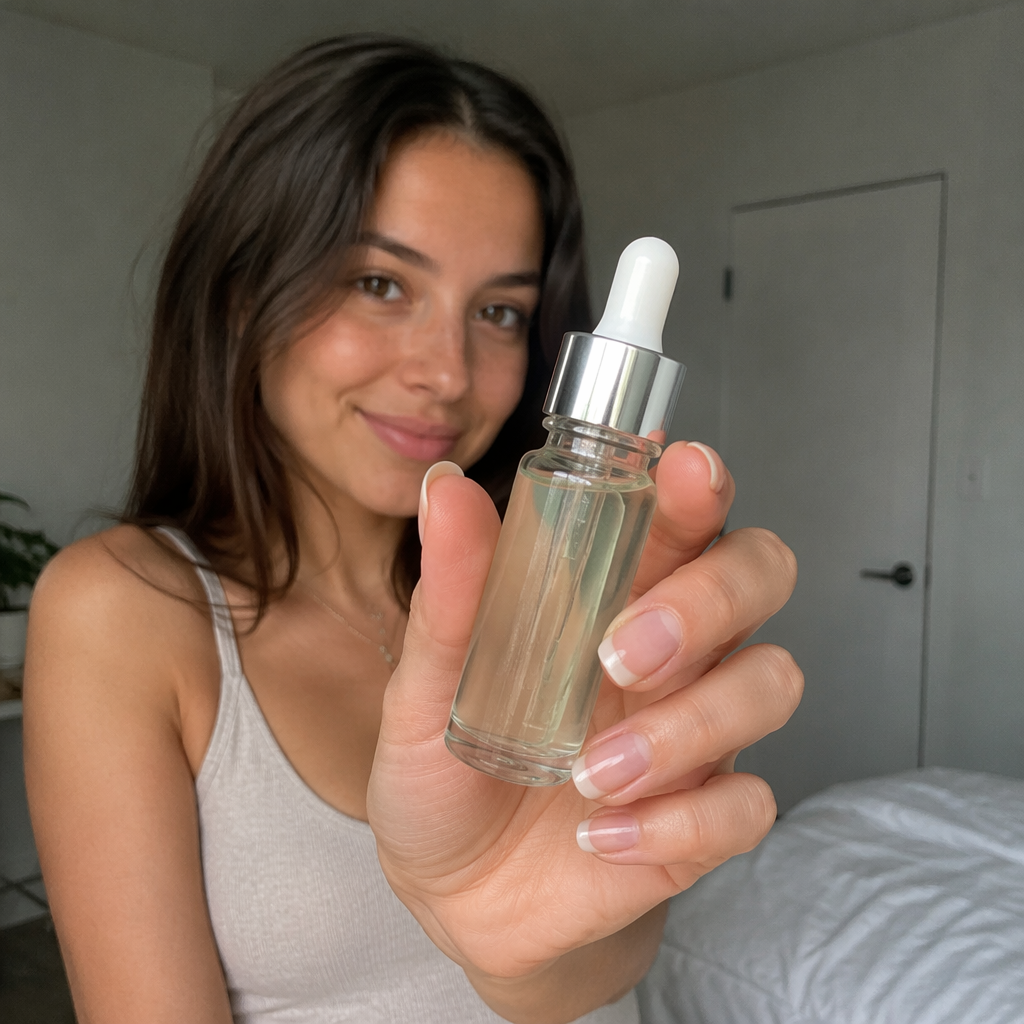
- Hands holding a SKU toward camera
- Model lookbook frame with clear face + garment
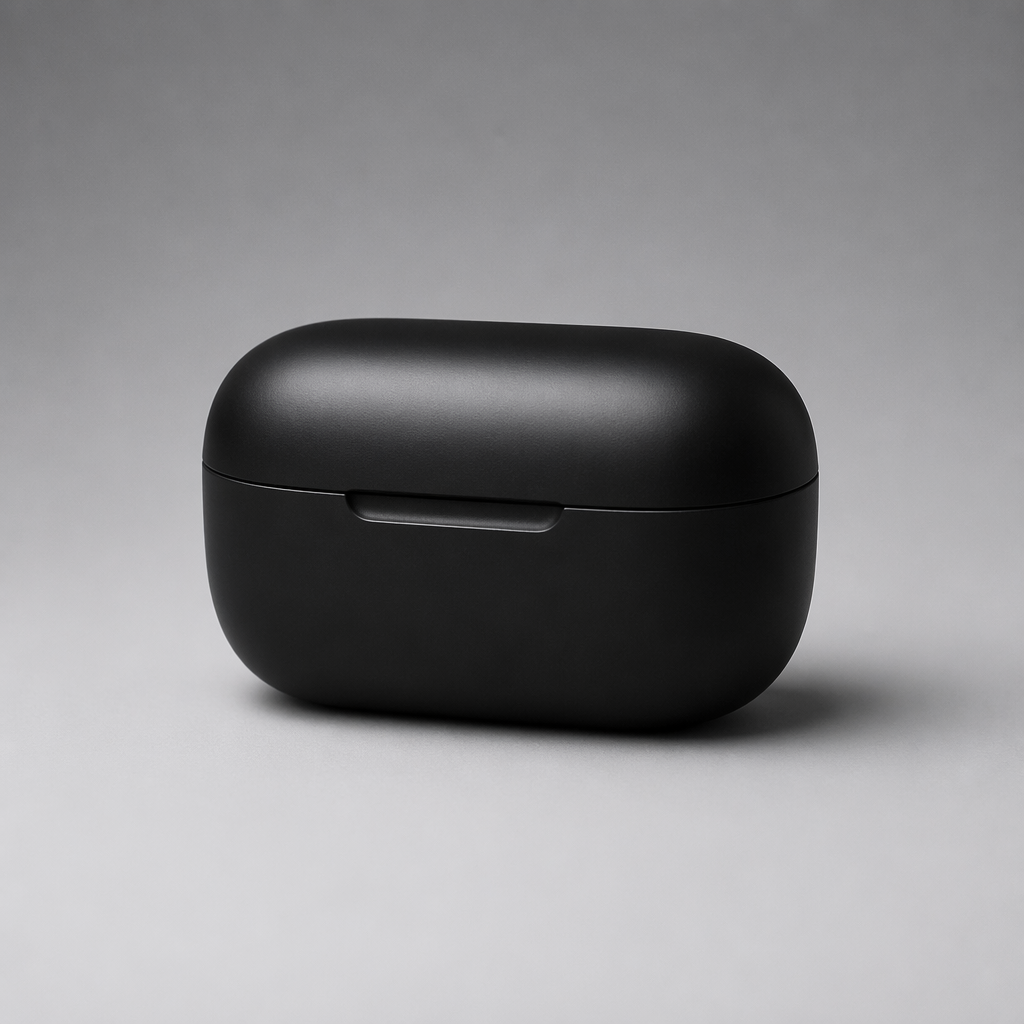
Avoid:
- Tiny product in a busy kitchen
- Heavy motion blur already in the photo
- Tiny logos you expect to stay perfectly readable while moving
2) Write a two-part prompt
Camera: {slow push-in / orbit / parallax / static with subtle sway}
Subject: {product rotates slightly / fabric moves / steam rises / hand presents item}
Keep identity and product appearance consistent with the image.
Short social ad pacing, natural motion, no morphing logos.
3) Generate a short clip first
Start short. Confirm identity lock and product readability before spending credits on longer takes.
4) Iterate one variable only
Change either camera or subject motion — not both — between retries. That is how you learn what Seedance 2.0 actually obeyed.
5) Export and crop for channel
Generate master, then crop for 9:16 / 1:1. Do not ask the model to solve every aspect ratio on pass one.
First/last frame control
When your UI supports start and end frames:
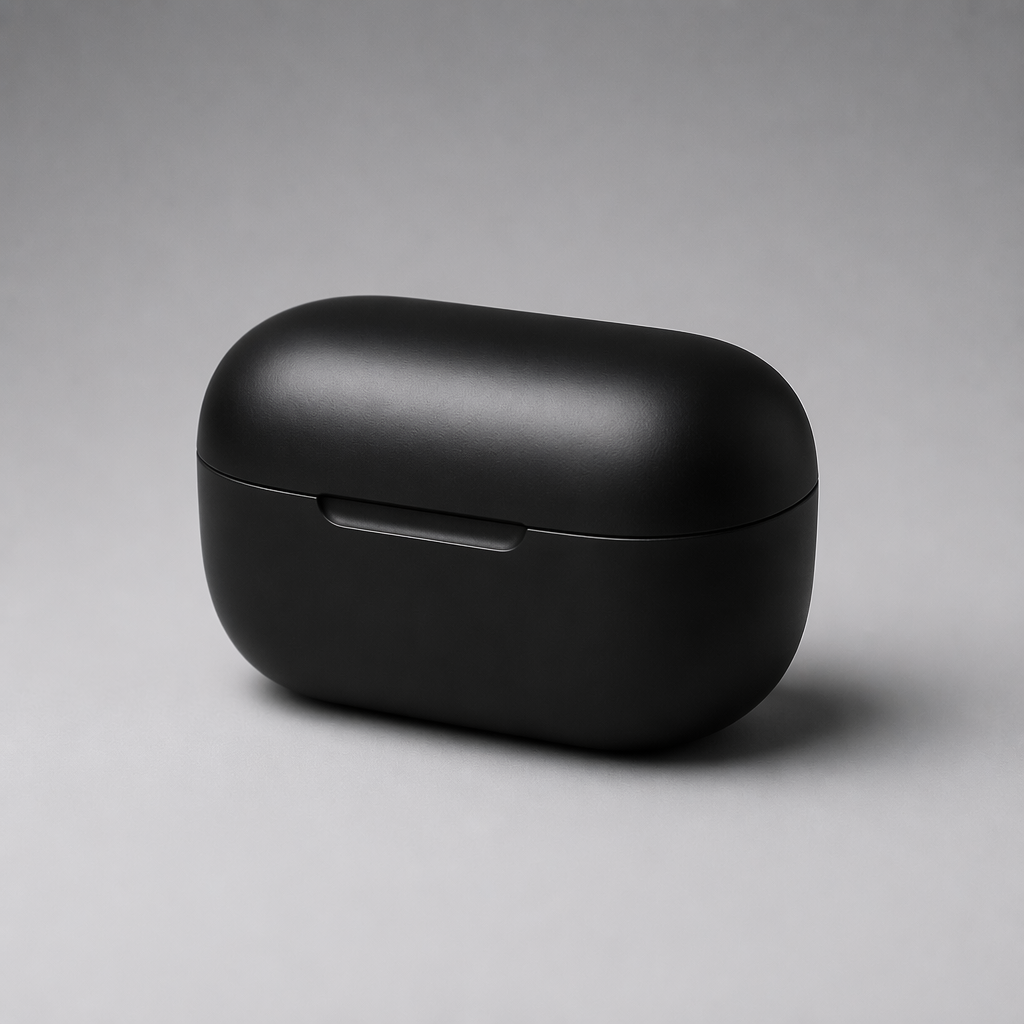
- First frame = current hero still.
- Last frame = same subject, new pose/angle you already generated as an image.
- Prompt only the transition intent:
smooth move from first frame to last frame, keep product identity.
This is the most “director-like” control Seedance 2.0 gave me without opening a timeline. It is especially useful for:
- product turntable energy without a real turntable
- outfit reveal (closed jacket → open jacket)
- before/after beauty style transitions
If the end frame is a different person or SKU, you will get a morph — that is user error, not a mystery model bug.
Native synced audio tips
When audio is generated with the clip:
- Describe diegetic sound simply:
soft whoosh, light cloth rustle, subtle UI click - Avoid stacking five music genres into one sentence
- For ads, prefer short SFX + room tone over full songs unless your channel needs music beds
- If dialogue/lip-sync matters, validate on a face close-up still first
If audio fights the cut, mute and replace in post. Seedance is strongest on picture motion; audio is a bonus when it lands.
Prompt formulas for ads and Reels
Product hero push-in
Camera: slow push-in on the product from the image
Subject: tiny specular shift on the material, otherwise stable
Keep logo readable, ecommerce ad hook, clean motion
UGC hand present
Camera: slight handheld micro-movement
Subject: hand presents the product toward lens, natural and casual
UGC TikTok ad style, keep product sharp
Fabric / apparel motion
Camera: medium shot, gentle orbit
Subject: fabric sways naturally in soft wind, identity preserved
Fashion lookbook motion, no face morphing
Lifestyle parallax
Camera: subtle parallax as if sliding past the scene
Subject: minimal movement, product remains hero
Premium DTC vibe, stable identity
Still → Seedance pipeline
- Create the still with Nano Banana 2 prompts.
- Lock character if needed via character consistency workflow.
- Animate on Seedance 2.0.
Seedance 2.0 vs Fast vs 2.5 (practical pick)
| Option | Pick when | Skip when |
|---|---|---|
| Seedance 2.0 | Default quality/control for most hooks | You only need rough drafts |
| Seedance 2 Fast | Rapid storyboard tests | Final paid ads |
| Seedance 2.5 | You specifically need newer long-clip capabilities | You are chasing current search demand for “2.0” tutorials |
My take for publishers: teach 2.0 as the workhorse. Cover 2.5 as an upgrade note, not the only headline — unless your article is a launch explainer.
Compare Fast · See 2.5 · Use 2.0
Common failures and fixes
| Failure | Fix |
|---|---|
| Product melts / logo warps | Cleaner still; less camera drama; shorter clip |
| Face identity drifts | Stronger face still; add “preserve identity” |
| Motion feels drunk | One motion instruction only; reduce handheld language |
| Clip too static | Add a single explicit subject action |
| Wrong aspect for TikTok | Generate neutral, crop after |
Final verdict
Seedance 2.0 is at its best as a browser image-to-video finisher, not as a full replacement for editing software. Feed it a disciplined still, control camera and subject separately, and use first/last frames when you need a directed transition.
That workflow is exactly what I use on NanoBananaTool when a catalog image has to become a scroll-stopping hook by the afternoon.
Start the Seedance 2.0 tutorial workflow
FAQ
How do I do image to video with Seedance 2.0?
Upload a sharp still, write separate camera and subject motion lines, generate a short clip, then iterate one variable at a time on NanoBananaTool.
Does Seedance 2.0 support first and last frame control?
When the UI exposes start/end frames, yes — use two identity-matched stills and prompt only the transition. Mismatched subjects will morph.
Is Seedance 2.0 good for ecommerce ads?
Yes for hooks and product motion from existing stills. For heavy brand typography and multi-layer edits, finish in a traditional editor after export.
Should I learn Seedance 2.5 instead of 2.0?
Learn 2.0 first if your goal is searchable, practical production habits. Add 2.5 when you need its newer capabilities for longer or more complex clips.
Can I create the still and the video in one place?
Yes. Generate stills on Generate, then animate on Seedance 2.0.