Prompt lists are easy to skim and easier to forget. A remix gallery is harder to ignore: you see the recipe and the kind of frame it produces, then you try it on your own SKU.
I built 12 Nano Banana 2 prompts around jobs people actually ship on NanoBananaTool: packshots, lifestyle, hand-holds, try-on, and identity lock. Each block has a copy-paste prompt and a result still hosted on our CDN.
In this article
- How to remix these
- Catalog (1–3)
- Lifestyle (4–6)
- Hand / UGC (7–9)
- Consistency / try-on (10–12)
- FAQ
How to remix these
- Open Generate or Banana Prompts.
- Upload your reference (don’t expect the sample SKU to appear).
- Paste the prompt; swap only
{product}/ scene words. - Keep the constraint lines (white background, preserve face, etc.).
Remix in your browser
Catalog (1–3)
1) Clean white hero
Studio product photo of {product} from image 1, centered on pure white background, softbox lighting, sharp edges, ecommerce catalog style, high detail, no text overlay
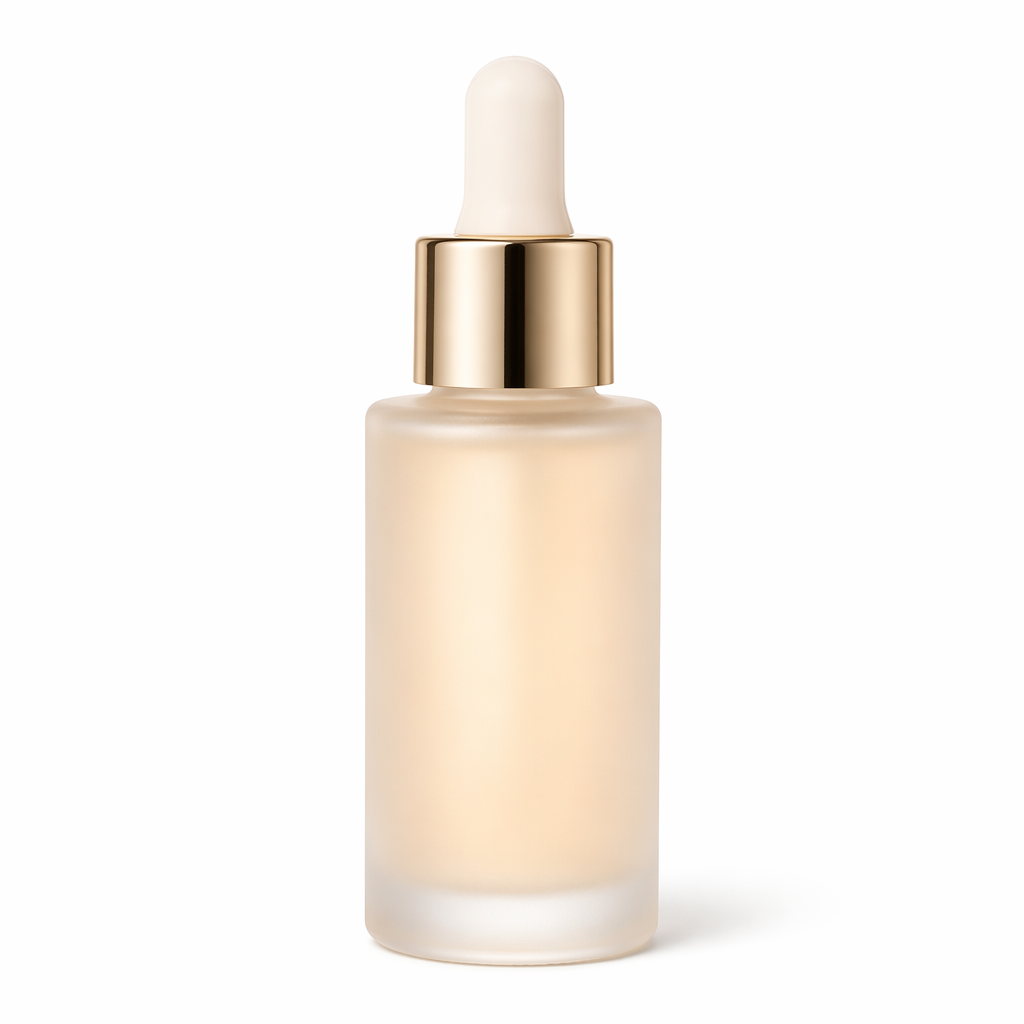
2) Soft contact shadow
Ecommerce packshot of {product} from image 1 on pure white, soft natural contact shadow only, 85mm product look, crisp materials
3) Three-quarter angle
Three-quarter angle product shot of {product} from image 1, white seamless, even studio light, preserve exact logo and proportions
Lifestyle (4–6)
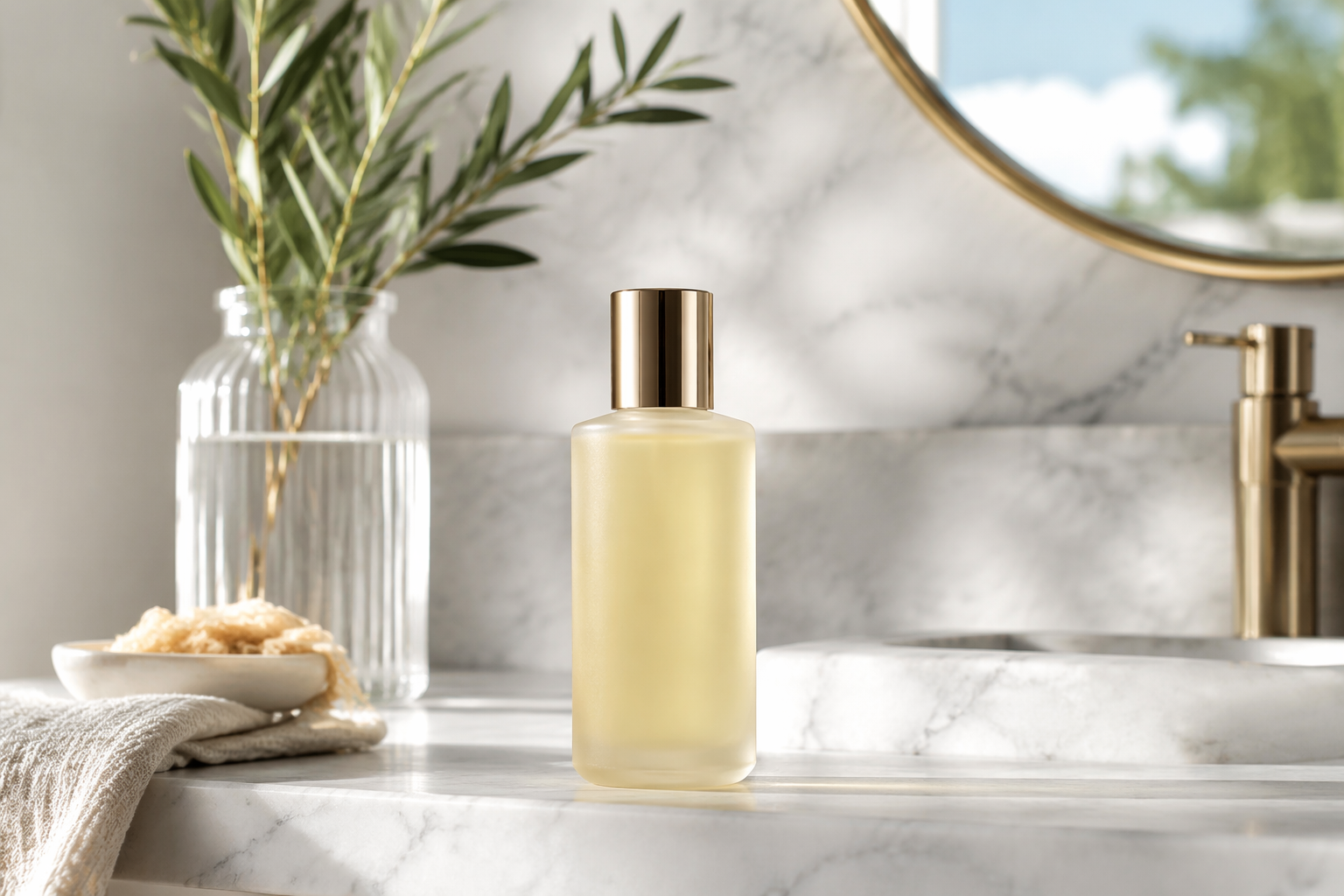
4) Bathroom shelf
Lifestyle shot of {product} from image 1 on a marble bathroom shelf, bright clean light, spa mood, label readable, premium DTC
5) Desk creator setup
Creator desk lifestyle featuring {product} from image 1, soft LED key light, tidy cables, product as hero
6) Coffee table editorial
Editorial lifestyle of {product} from image 1 on a coffee table with one magazine and a ceramic mug, muted tones, product in focus
Hand / UGC (7–9)
7) Product in hand
Beauty hand model holding {product} toward camera, soft glam light, natural grip, sharp product detail, UGC ad style
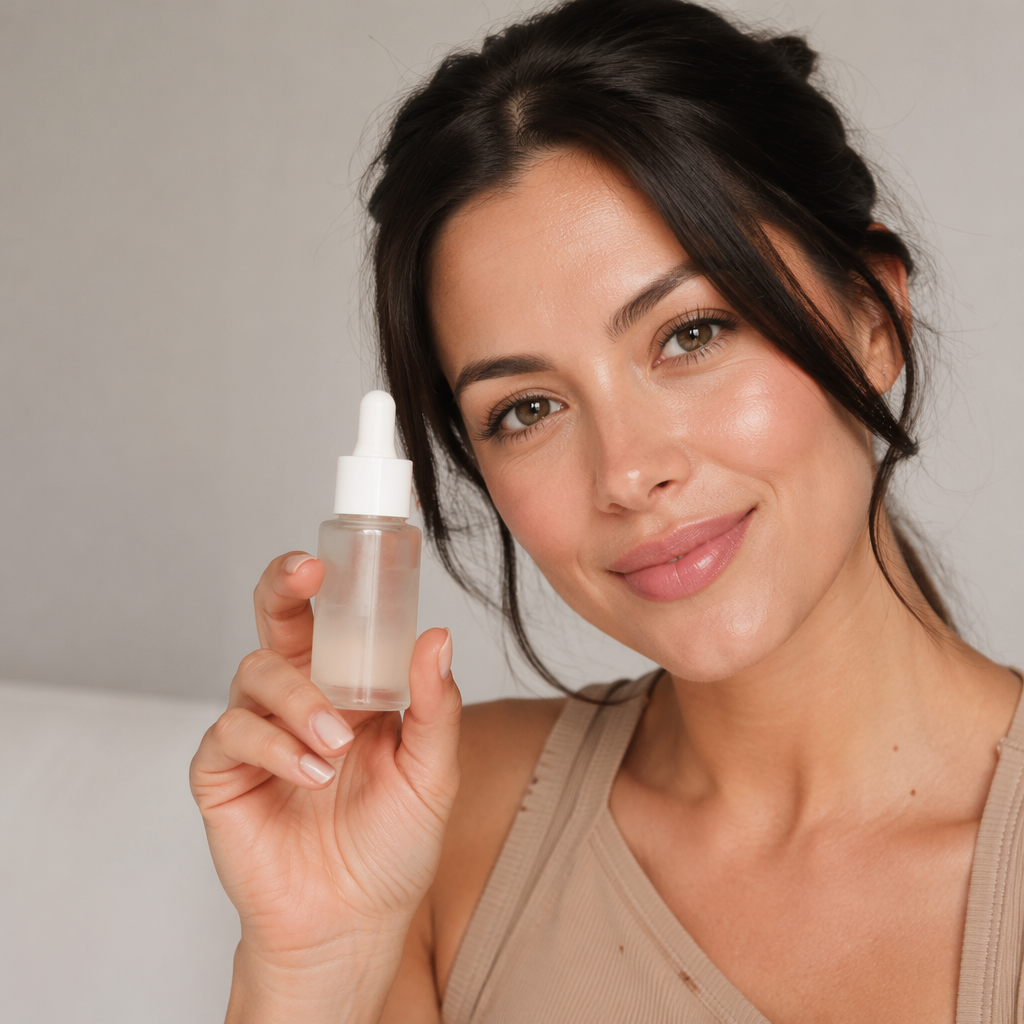
8) Holding to camera
Person holds {product} from image 1 toward lens, soft beauty light, ecommerce hand model shot, no watermark
9) Unboxing moment
Hands opening packaging of {product} from image 1, bright desk light, TikTok unboxing thumbnail composition, product readable
Consistency / try-on (10–12)
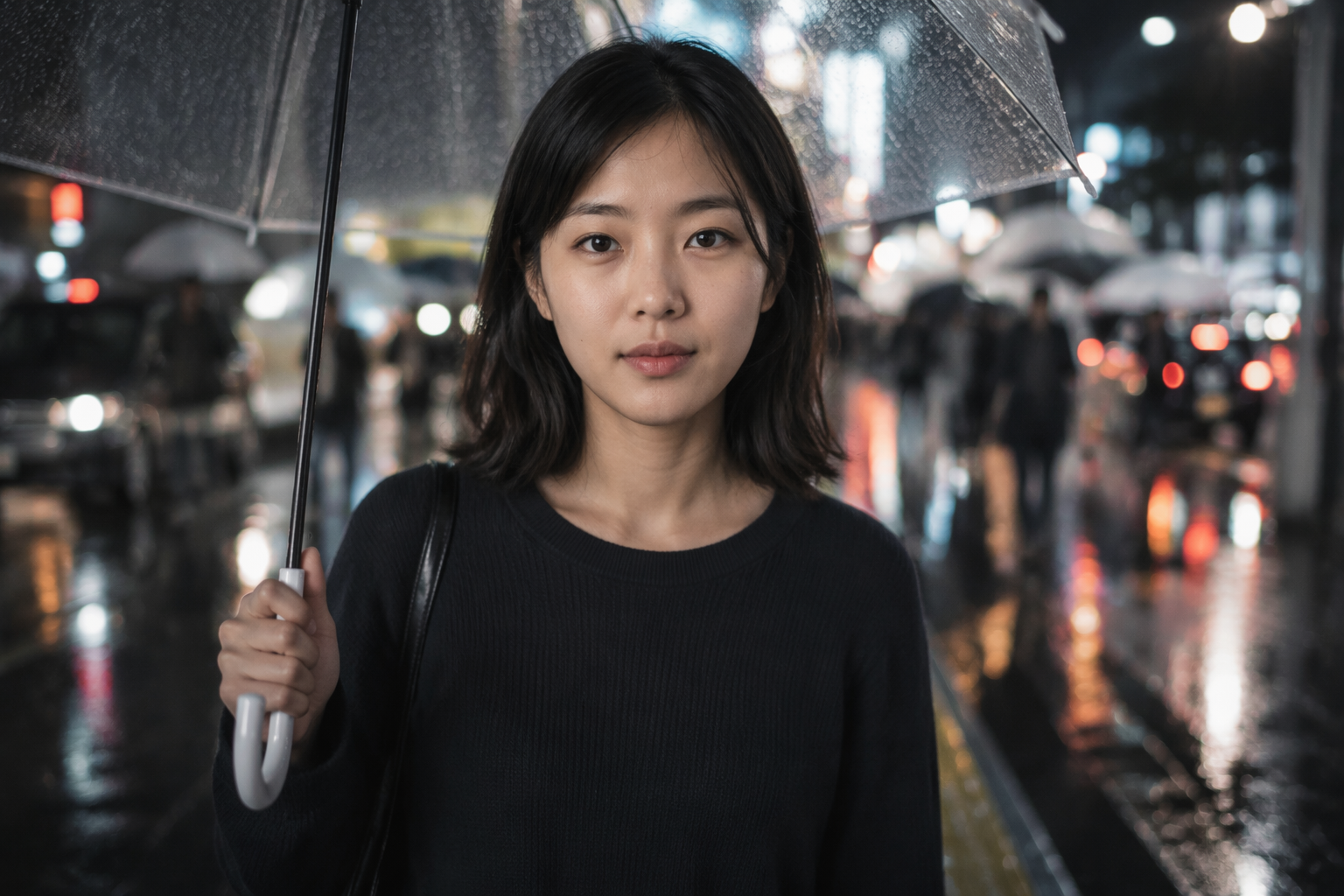
10) Identity lock, new scene
Same person as the reference image. Preserve exact face and hairstyle.
{new location and pose}. Do not change identity. Natural skin, high detail.
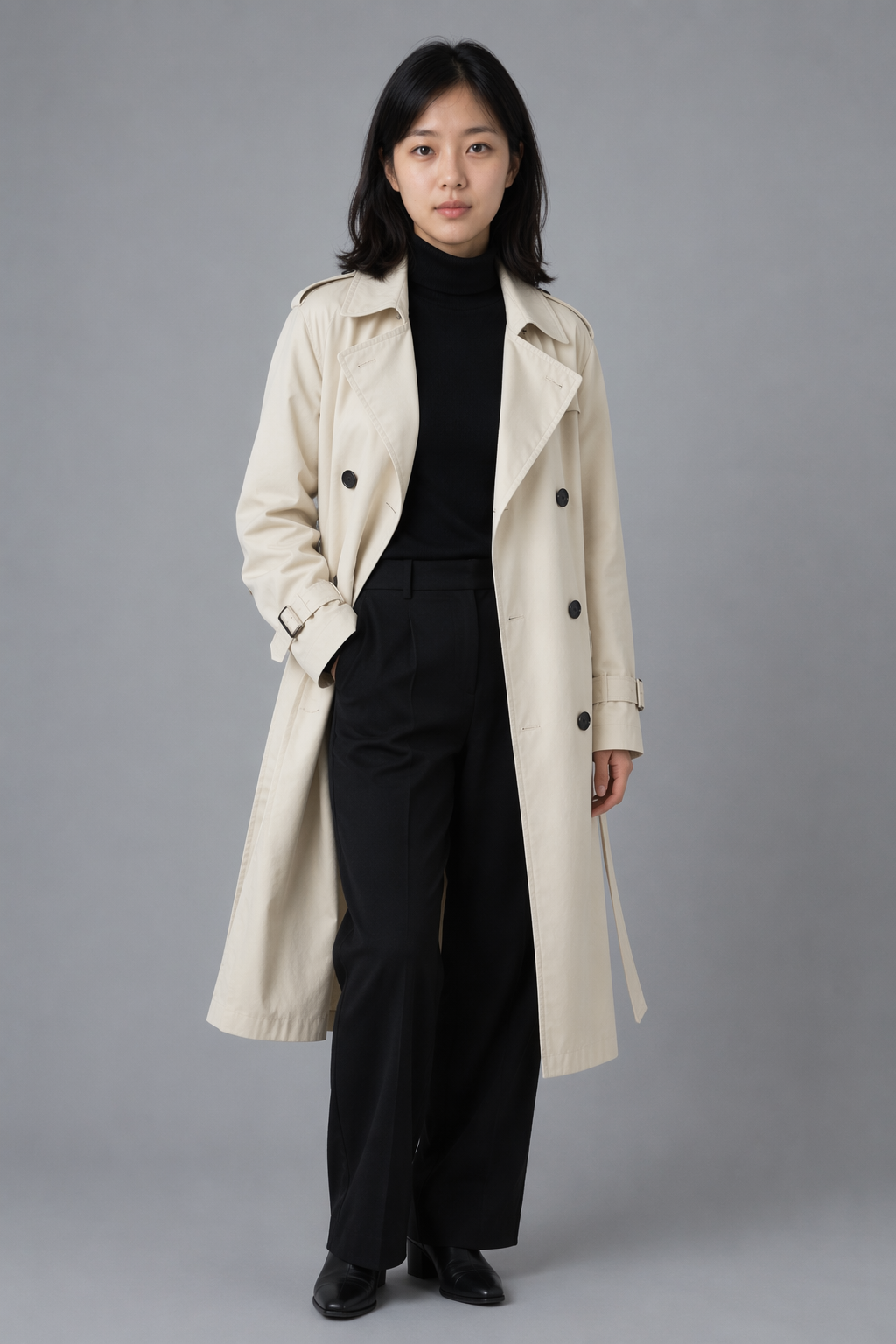
11) Outfit lookbook
Same person as reference. Preserve face and hair. Fashion lookbook, {outfit}, studio softbox, clean backdrop. Do not alter facial features.
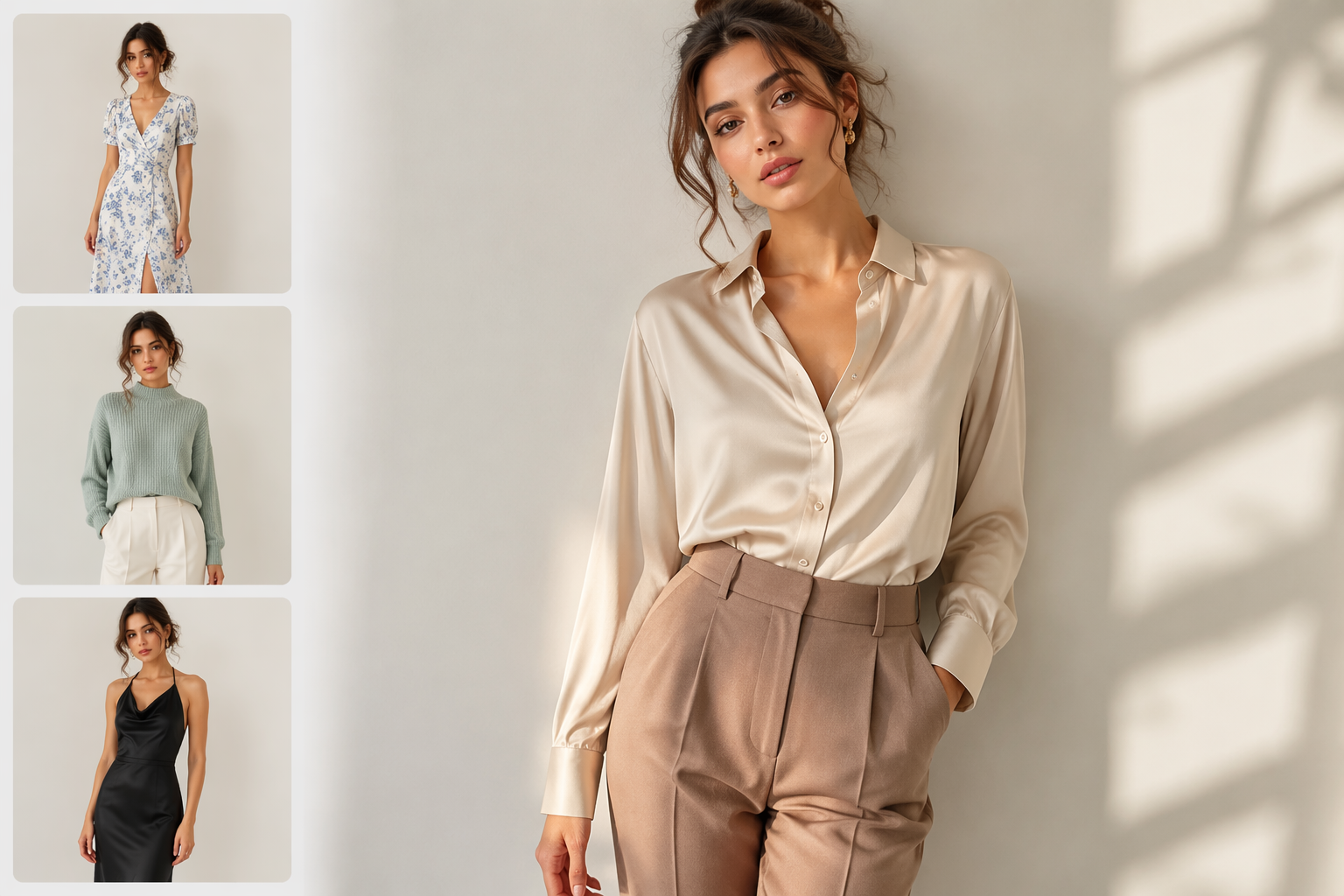
12) Virtual try-on
Put the outfit from image 2 onto the person in image 1. Preserve face and body from image 1. Realistic fabric drape, matching lighting, ecommerce fashion photo.
Final verdict
Twelve prompts will not replace a studio. They will replace blank-page time. Remix the ones that match your job, keep constraints intact, and escalate to Pro only when a hero frame fails for a clear reason.
More recipes: 50 ecommerce prompts · consistency guide · try-on workflow
FAQ
Can I use these prompts commercially?
Yes for outputs you generate on your own account — follow NanoBananaTool terms and your brand’s reference rights.
Why doesn’t my result match the gallery image?
Because the gallery shows example outcomes from our refs. Your product/face refs will (and should) look different.
Where do I generate these?
Generate and save favorites in Banana Prompts.