GPT Image 2 Tutorial for Beginners: First Image to Usable Asset
This GPT Image 2 tutorial is the path I give new teammates: one clean success, then controlled iteration—not random prompt gambling.
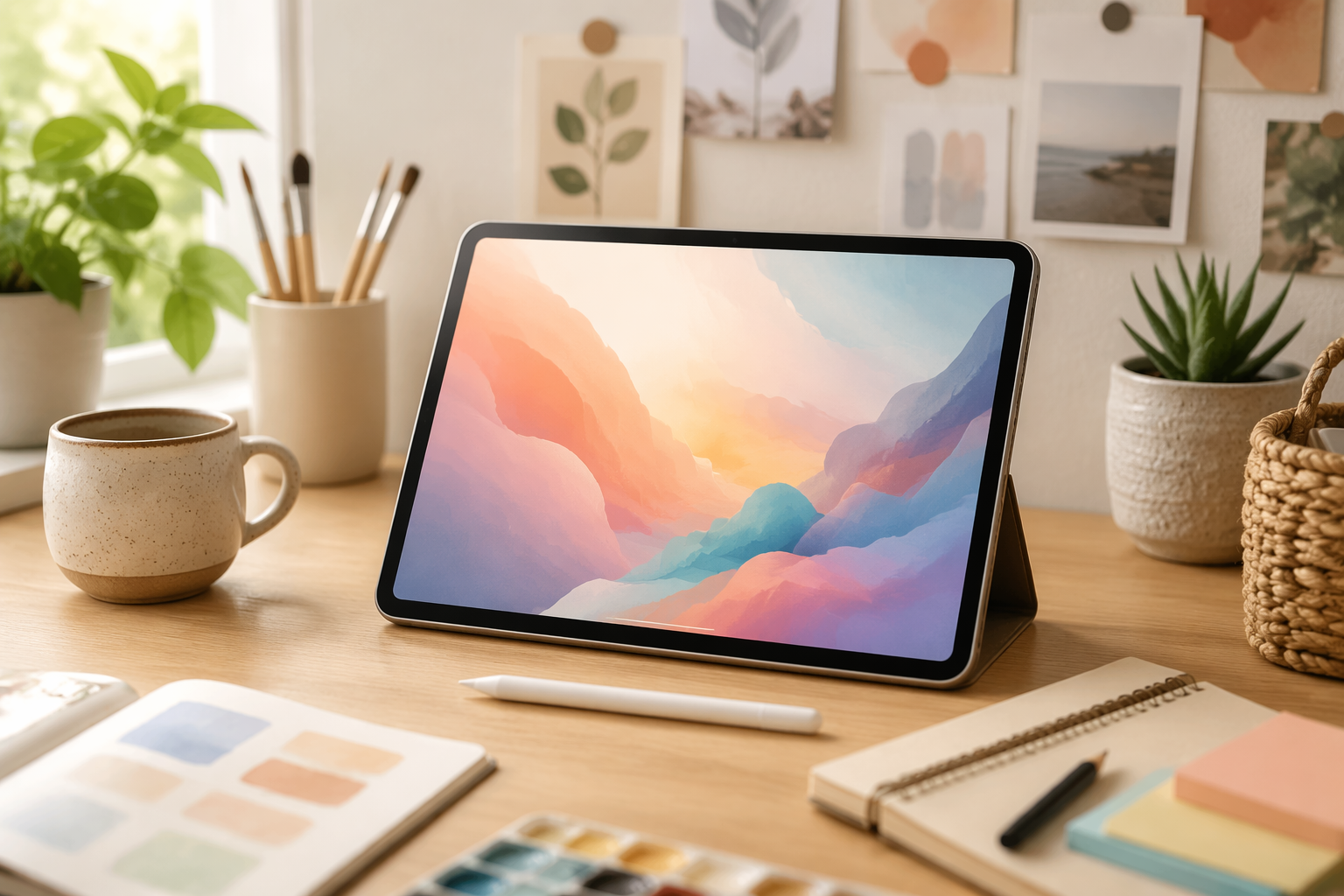
Step 1 — One boring success
Start with a single subject on white. Celebrate a sharp silhouette before chasing style.
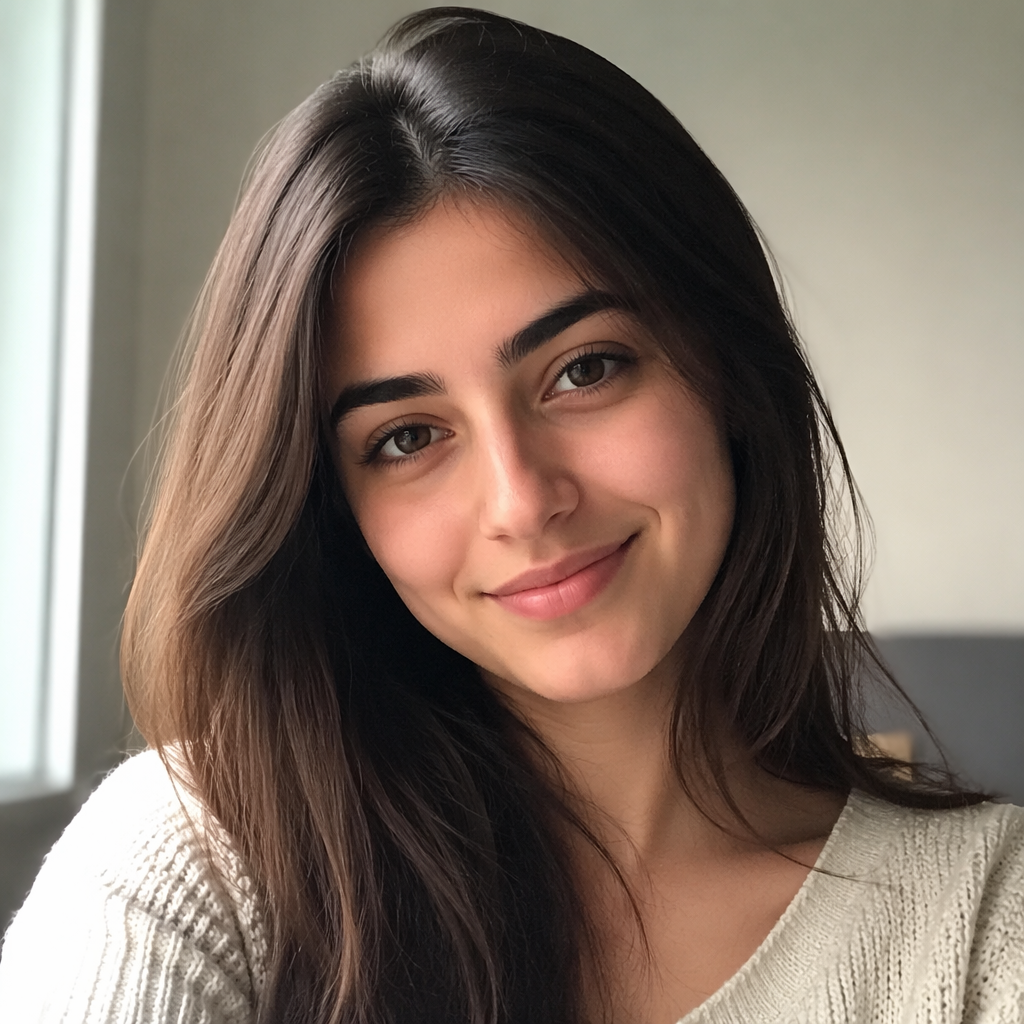
Step 2 — Change one variable
Only light, or only angle, or only background. Multi-variable edits hide what worked.
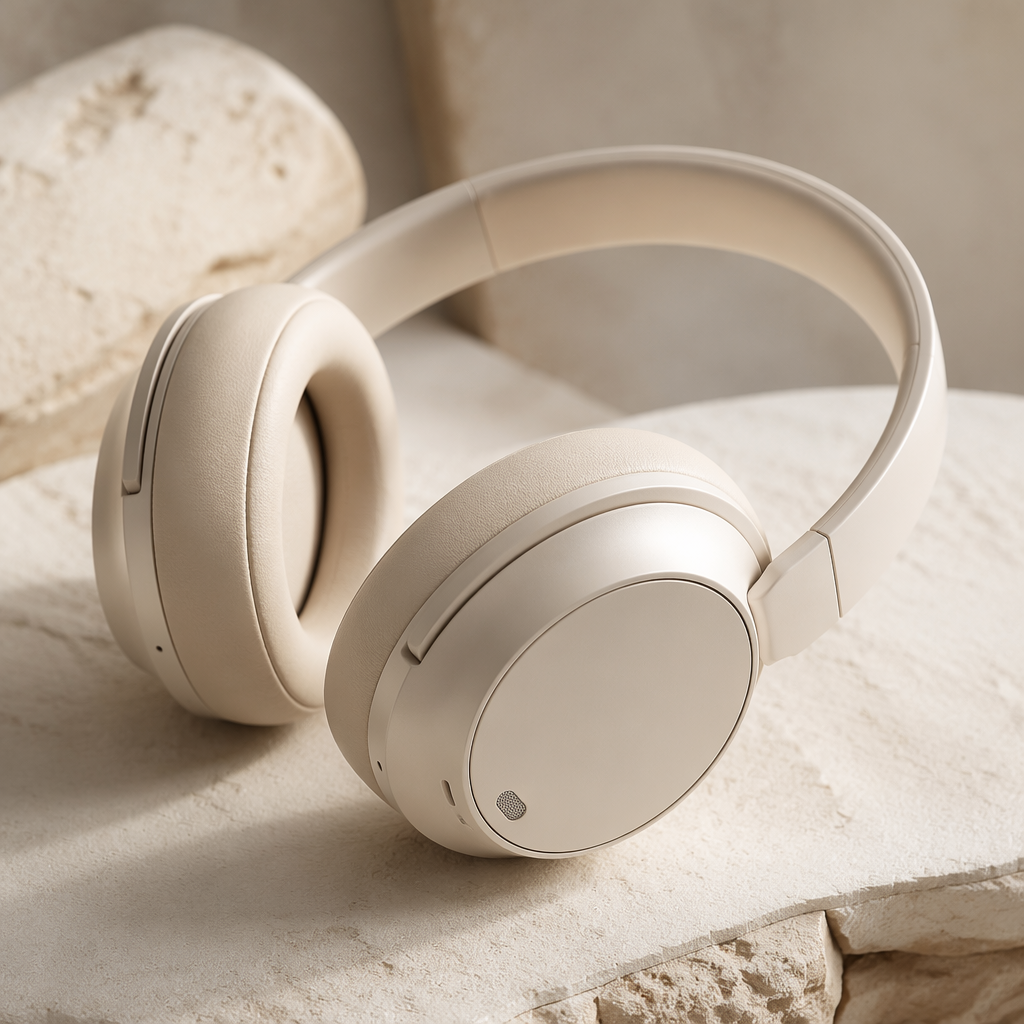
Step 3 — Aspect ratios with intent
- Square for catalogs
- Vertical for stories/ads
- Wide for headers
Don’t generate square and pray for a crop.
Step 4 — Know when to switch models
If you need the same person across a set, move to Nano Banana 2 on /generate.
Practice brief (30 minutes)
- White-background product
- Same product, 45° angle
- Lifestyle shelf
- One portrait
- Note which prompt lines mattered
Do it in NanoBananaTool
Prompts: /blog/gpt-image-2-prompt-guide.
FAQs
Is GPT Image 2 free?
Depends on plan—see /pricing.
Why blurry results?
Prompt too vague or subject too small in frame.
Should beginners use references?
Yes once basics work.
Midjourney first?
Optional—commercial constraints matter more than brand tribalism.