Nano Banana 2 Outpainting: Expand Frames Without Breaking the Scene
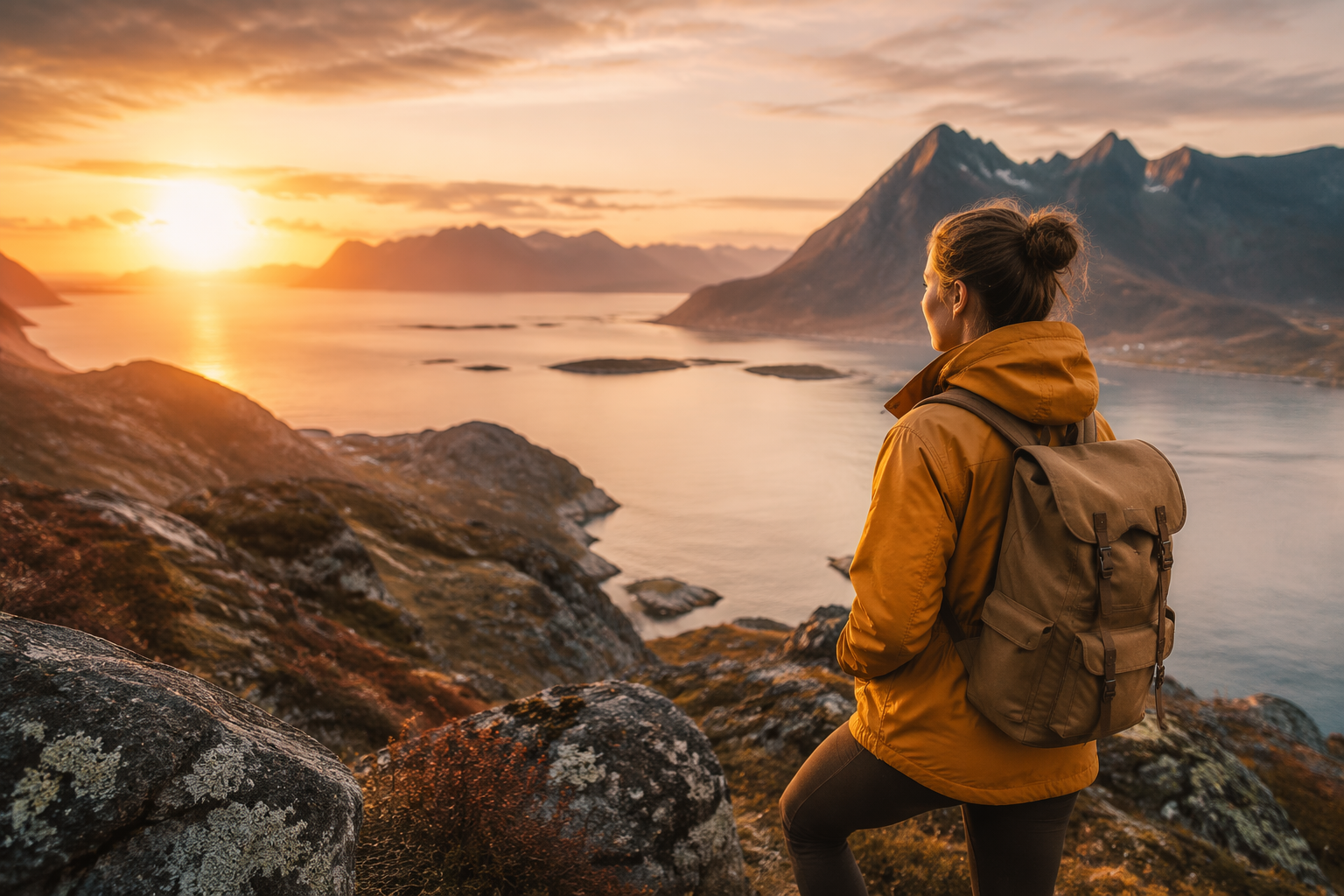
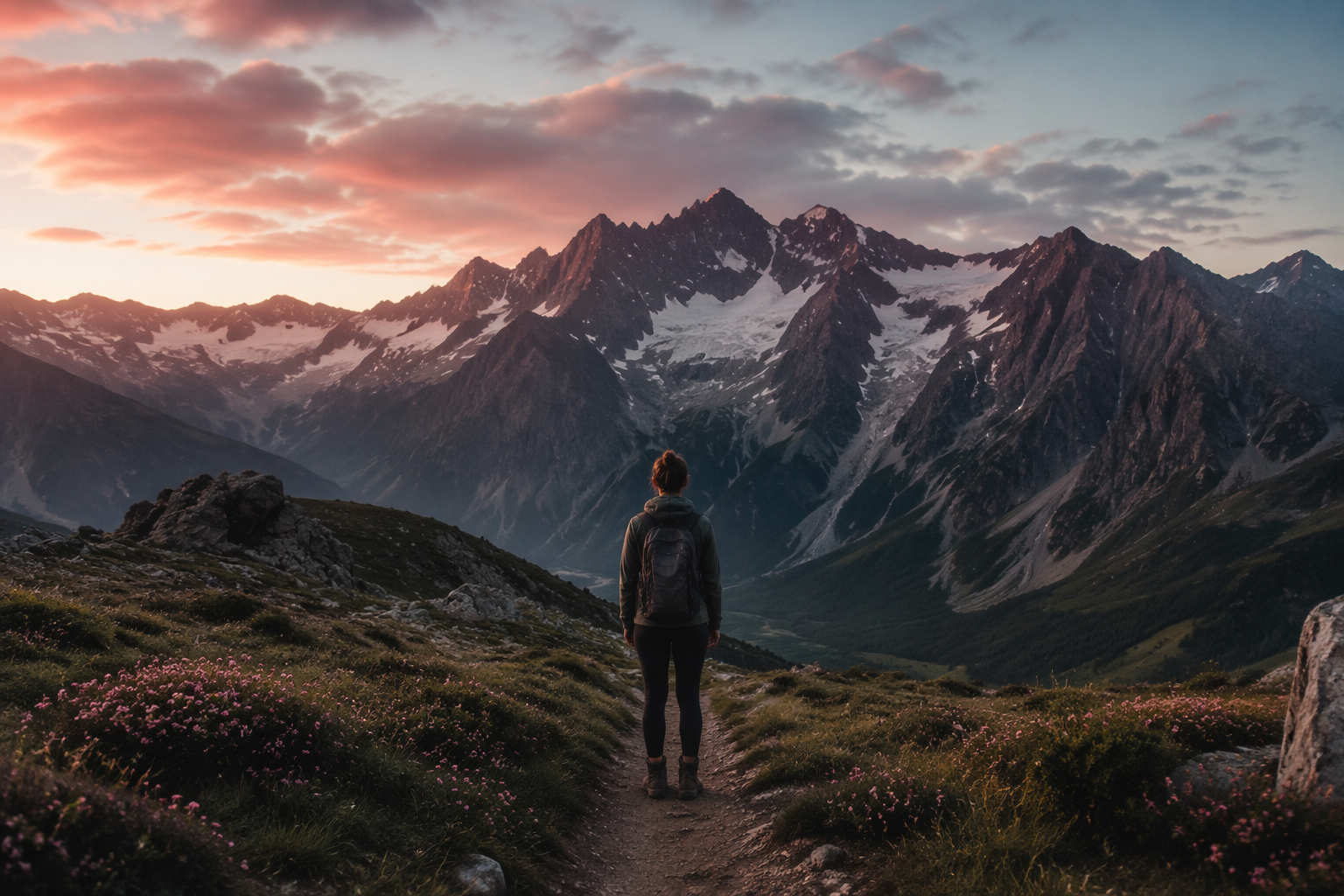
Nano banana 2 outpainting saved me when a vertical phone still needed a 16:9 YouTube canvas. I expand on Generate, then crop.
TL;DR
| Job | Tip |
|---|---|
| Vertical → widescreen | Expand sides, lock subject center |
| Tight product → lifestyle | Expand environment, keep product scale |
| Broken edges | Regenerate; don’t “fix” five times |
| Text near edges | Prefer empty space over invented copy |
Expansion prompt
Expand the canvas to 16:9. Continue the environment naturally. Keep the main subject size and identity identical. Match lighting and perspective. No new logos or text.
Soft CTA
Expand on Generate. Thumbs workflow: YouTube thumbnails.
FAQ
Better than crop-zoom? When you need more scene, yes. When you need tighter focus, crop.
Hands/faces at the cut line? Recenter first, then expand.