How to Make Comic Panels with Nano Banana 2 (I Tested a 6-Panel Strip)
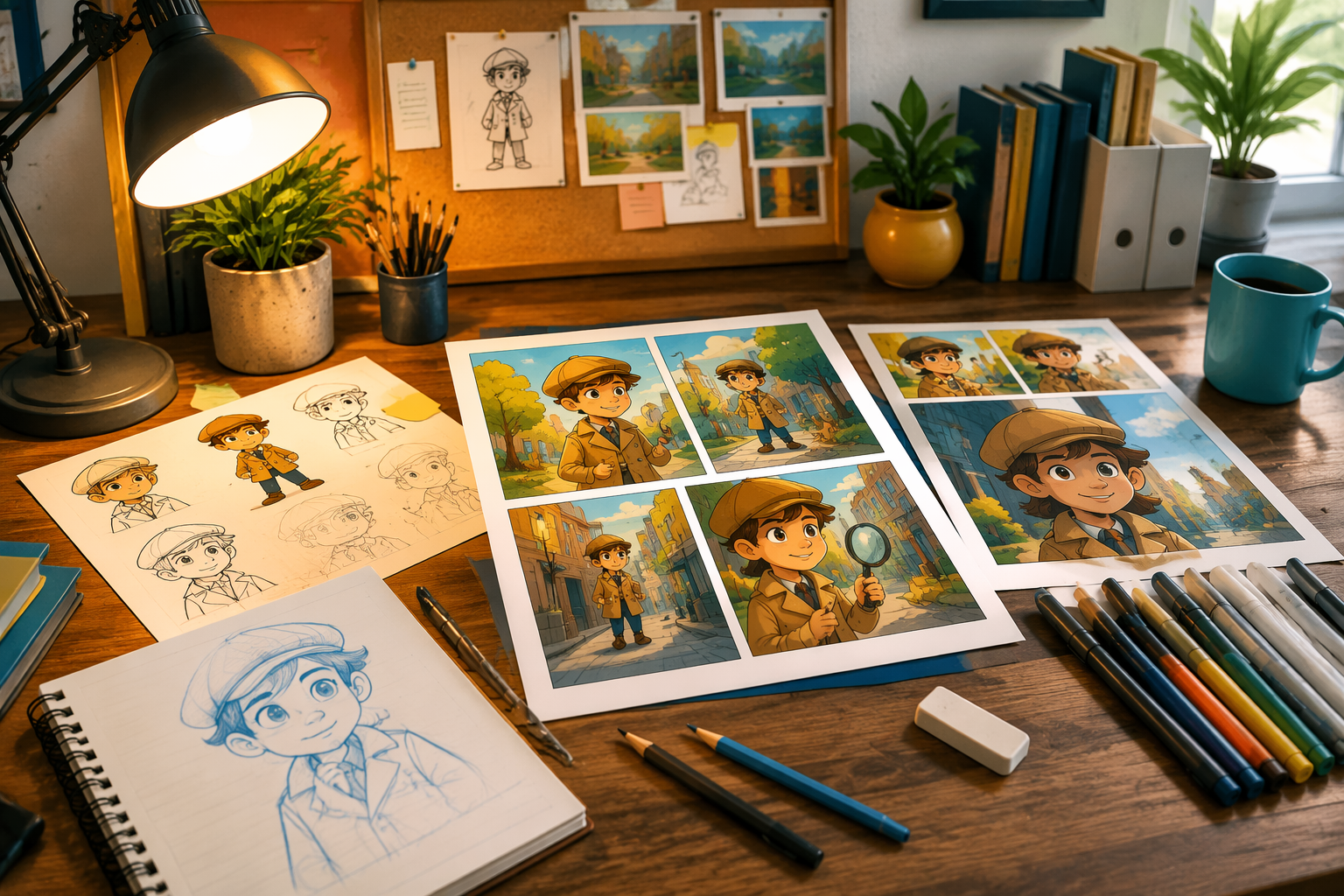
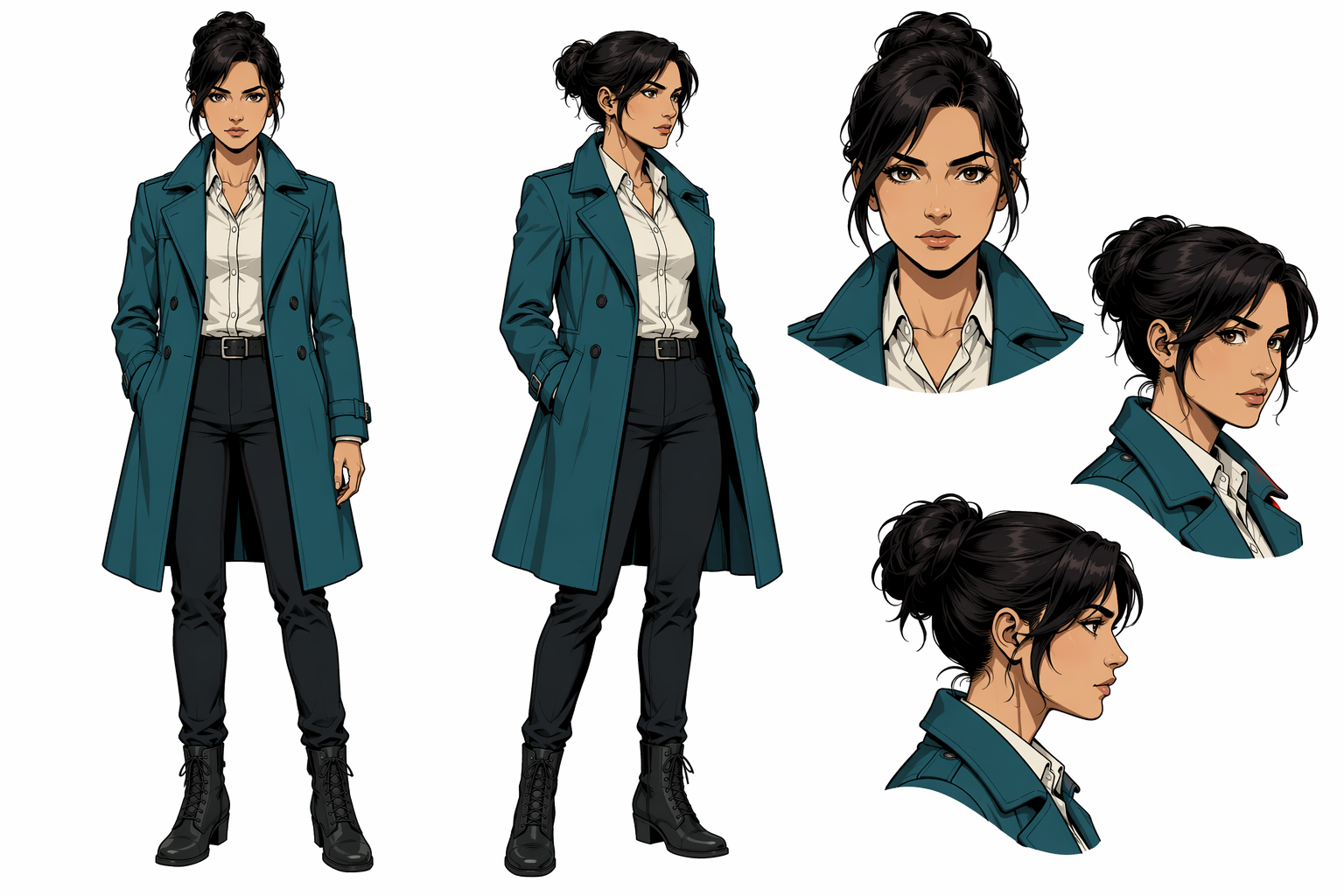
I wanted a nano banana 2 comic workflow that did not melt the heroine’s face by panel four. So I stress-tested a six-panel detective strip on NanoBananaTool: one character sheet, one style block, six separate panel gens.
TL;DR
| Approach | Result for me |
|---|---|
| One mega “full page” prompt | Pretty, inconsistent faces |
| Panel-by-panel + character ref | Usable strip |
| Bake speech bubbles in-model | Unreadable text |
| Add balloons in Figma after | Ship-ready |
How I tested
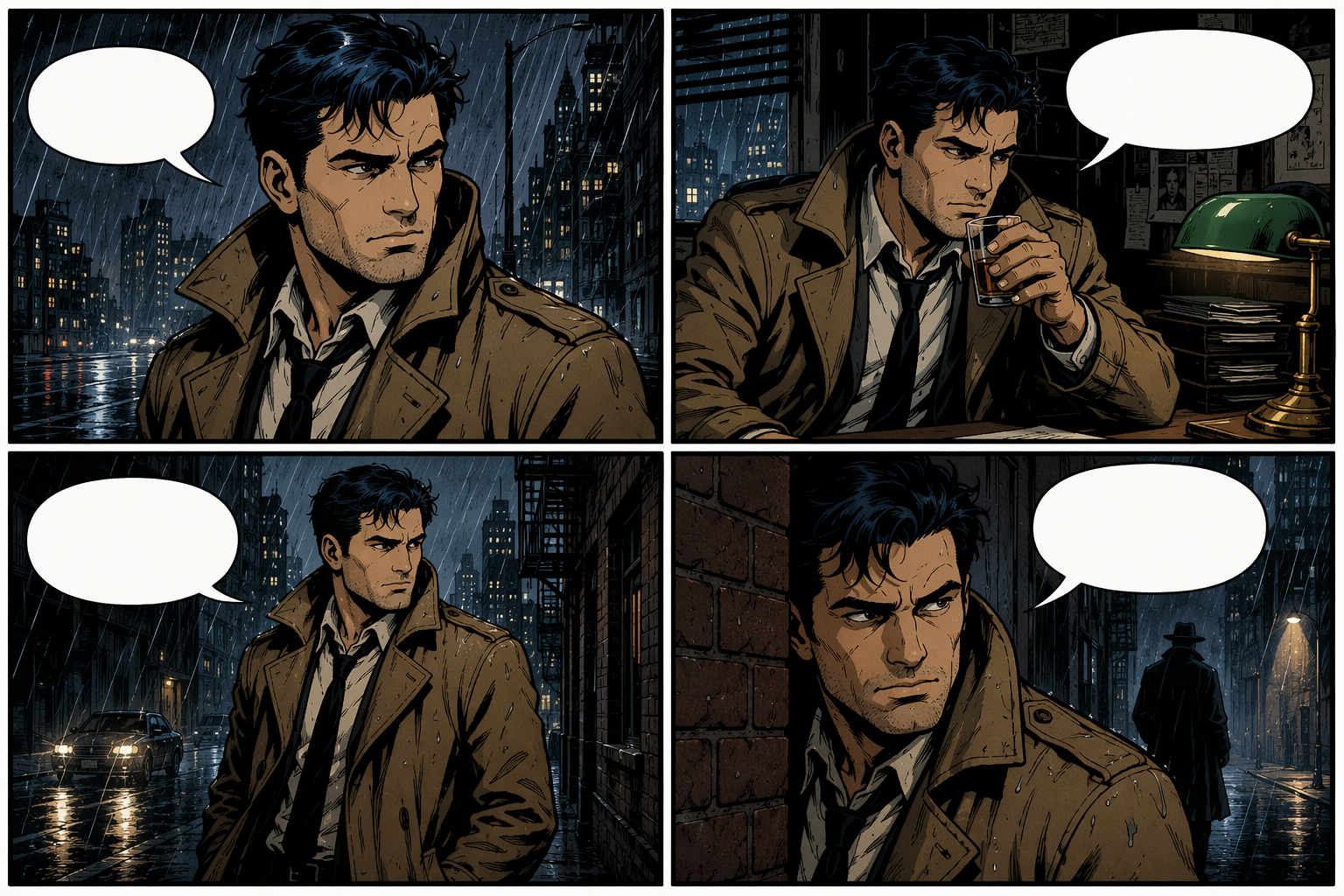
Same coat, hair, and rain city for six panels. Scored face lock, costume lock, and “room for balloons.”
Workflow that worked
- Generate a character sheet (front + 3/4).
- Freeze a style paragraph (ink + cel).
- One panel per generation with shot size + action.
- Assemble gutters in a layout tool.
Panel template I reused:
Comic panel, medium shot, [character] [action], rainy alley, thick ink outlines, cel shading, leave top-right negative space, same teal coat as reference
Mistakes I’d skip
Crowding every edge. Changing wardrobe mid-scene. Mixing “cinematic bokeh” into a flat comic block.
Soft CTA
If you need the same face across a set, start on Generate and keep the character consistency habits. Prompt basics: prompt guide.
FAQ
Full manga page in one shot? Draft only. Split panels for publish.
Dialogue in the image? Usually no — add text in an editor.